How to rebuild a page from Discover in one prompt
Words plagio team
Find a page you like, copy its prompt, paste it into your agent. Here's what happens in between, and how to get a result that's yours.
1. Find the page
Open Discover. Pick the kind of page you're building from the menu (landing, pricing, about, careers, changelog and more) and your industry from the filter. Sort by Latest, Most popular or Most used, the last being what agents capture most through plagio.
2. Open the site
Each site's page shows its colour roles and why each was picked, its type scale, and all the pages we have for it. Use it to check the system suits you before you copy anything.
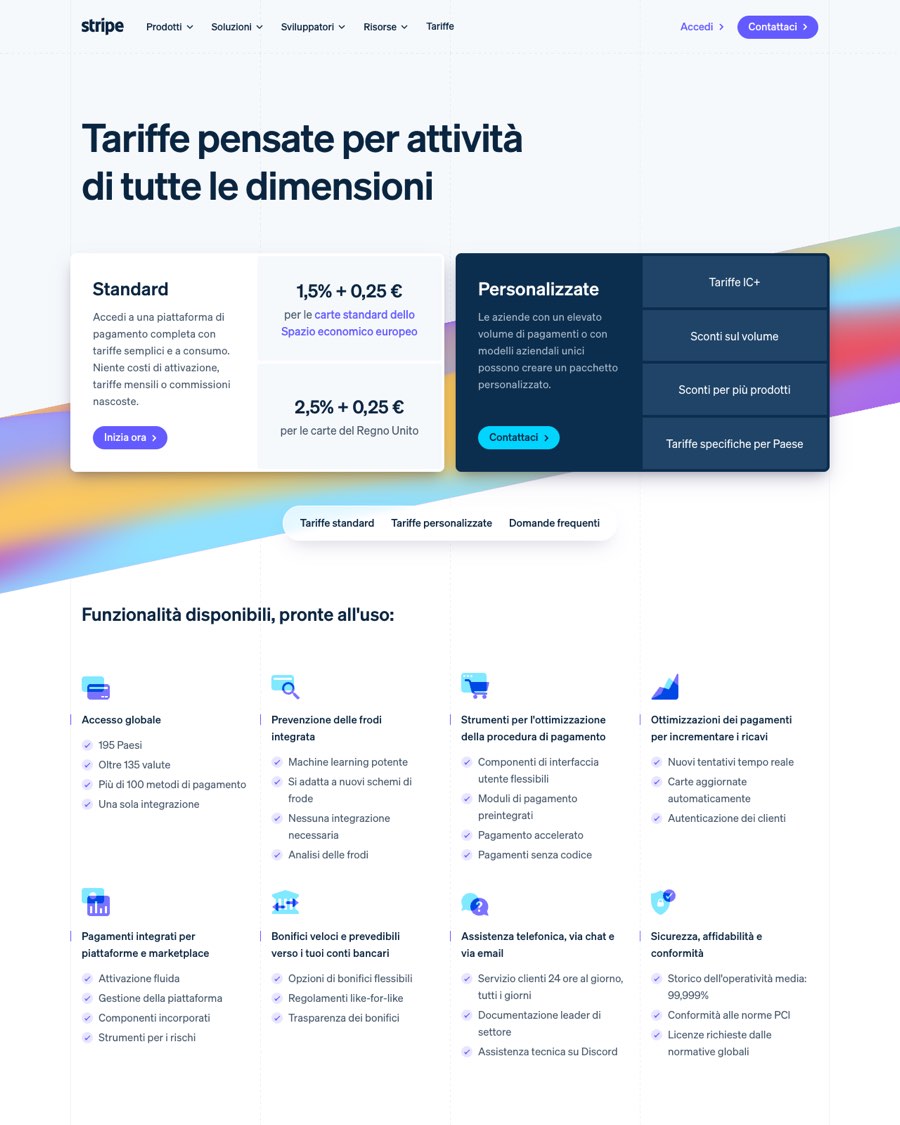
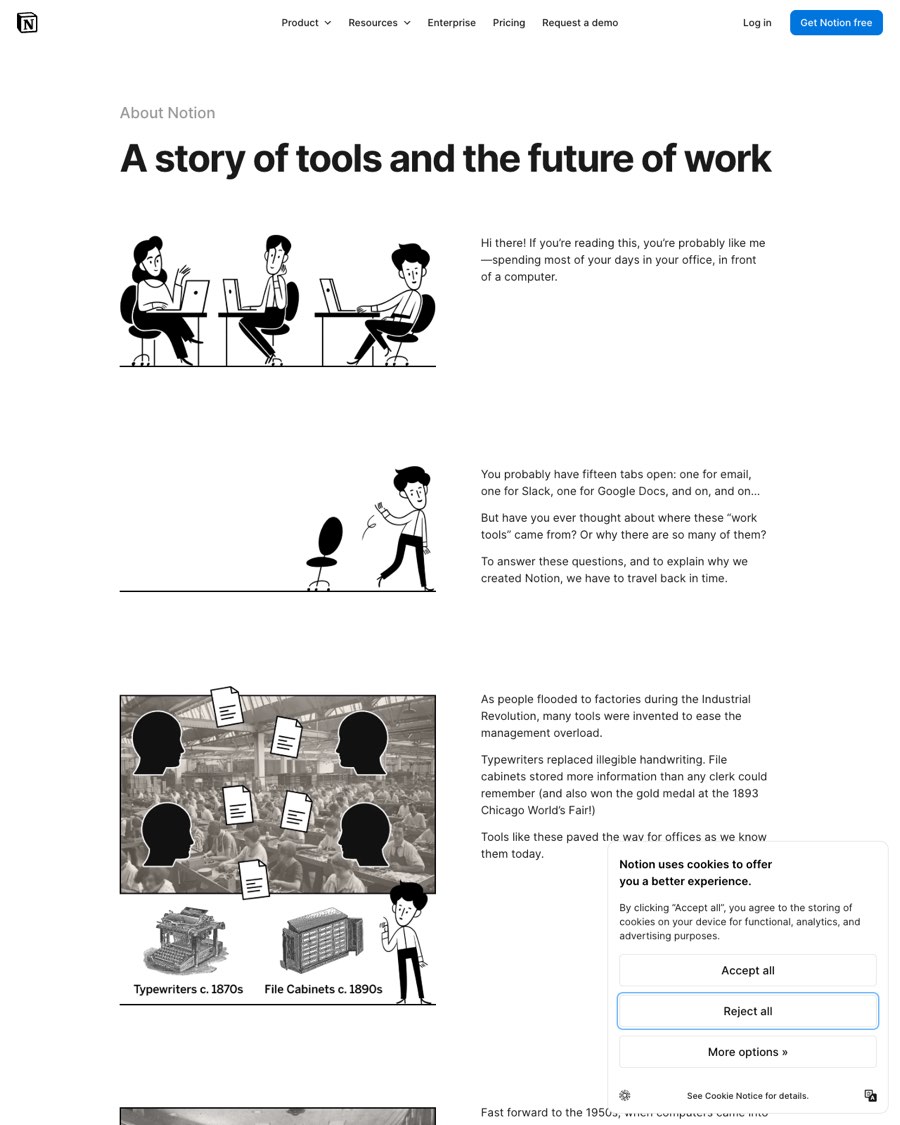
3. Copy the prompt
At the bottom of the page is a prompt written for your agent. It asks plagio to read the site live and apply its colours, type scale and spacing to your site, while keeping your content, layout and logo.
Use plagio's extract_brand on https://linear.app, then restyle my site with
its colours, type scale and spacing. Keep my content, layout and logo; take
the system, not Linear's copy.
4. Paste it into your agent
With plagio connected in Claude Code, Cursor, Codex, VS Code or Windsurf, paste the prompt. The agent calls extract_brand, gets the measured system, and applies it. For one component instead of the whole system, ask for capture_component with the page URL and what to take.
Keep it yours
Take the system, not the copy: the type, spacing and palette roles are what make a page feel designed, and they carry over to your words without making you a clone. Then check your site again to see how far it's moved.
Sources, checked 5 November 2026
Names and products belong to their owners. Prices and features change: if something here is out of date, write to support@plagio.dev and we'll fix it.
Give your agent a real reference.
Start the free week